
Keep your Mac awake — exactly when it needs to be.
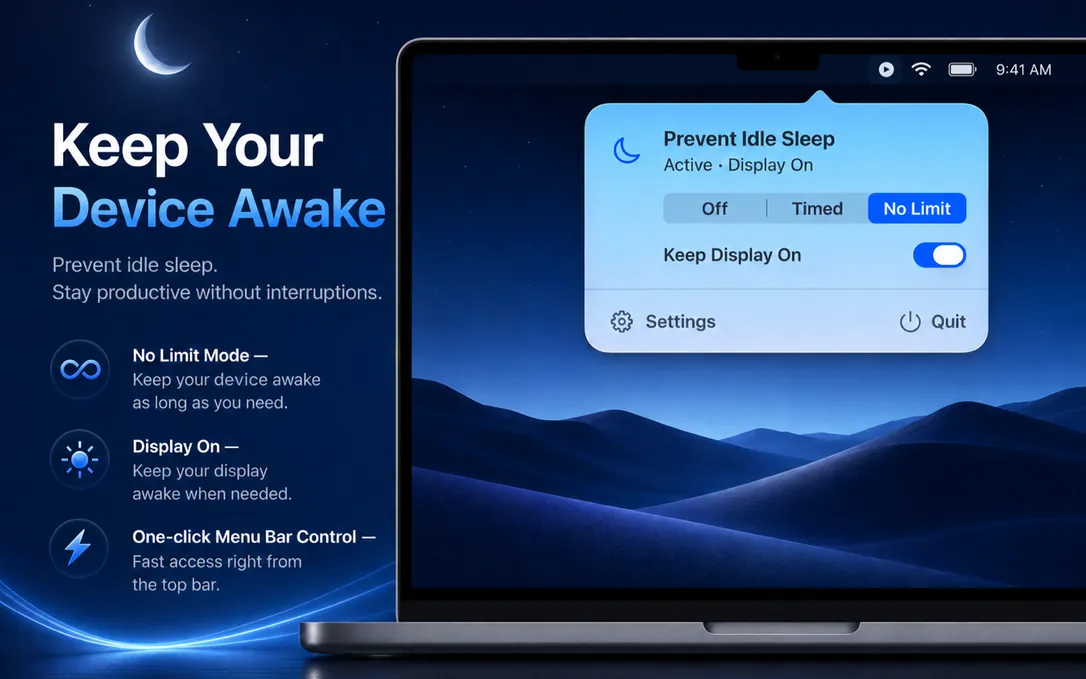
NoNap is a native macOS menu bar app that prevents idle sleep on Apple Silicon MacBooks. Set a timer or use No Limit — your downloads, builds, and tasks stay alive.
 Free
FreemacOS 14 (Sonoma) or later · Apple Silicon · v1.0.4
In detail
A closer look.
How it works
Two ways to keep your Mac awake.
01
Prevent idle sleep
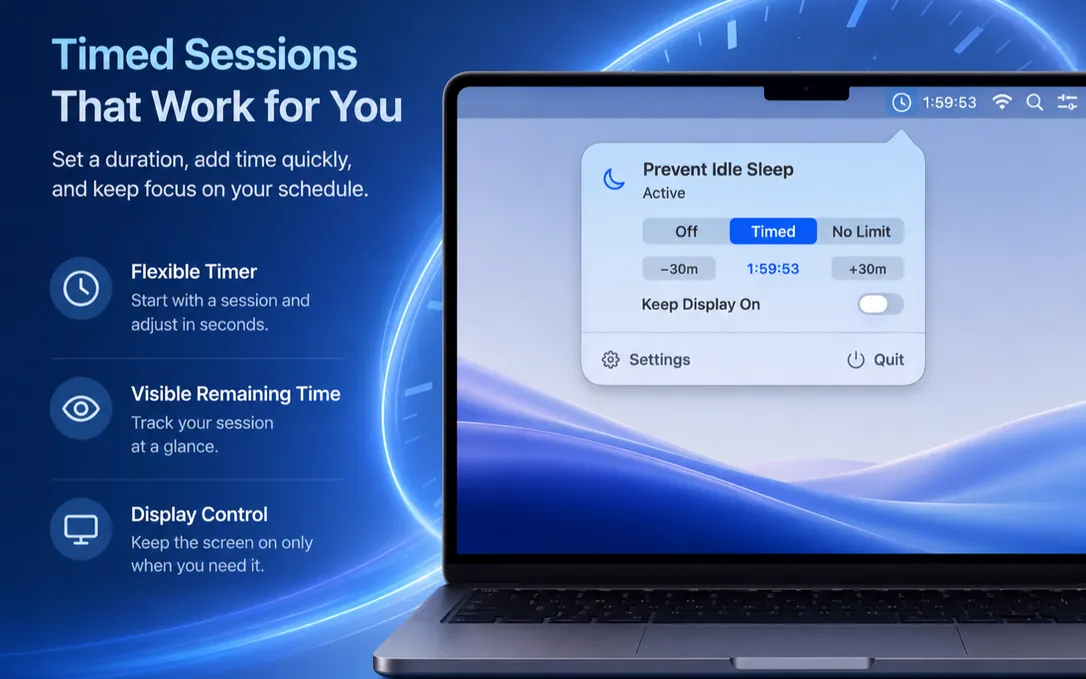
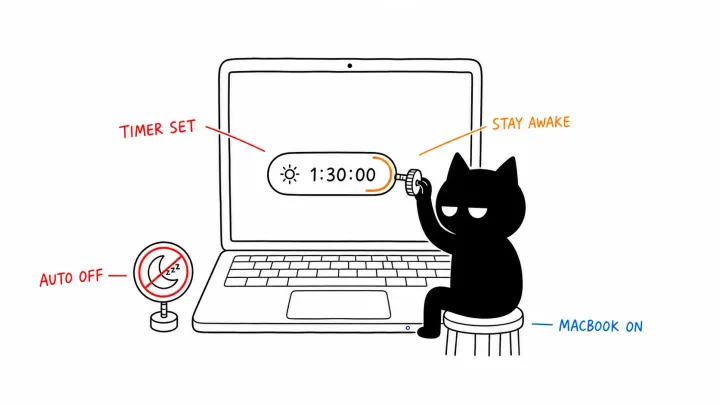
Choose Timed or No Limit. When a timer ends, your Mac returns to normal sleep behavior on its own.
02
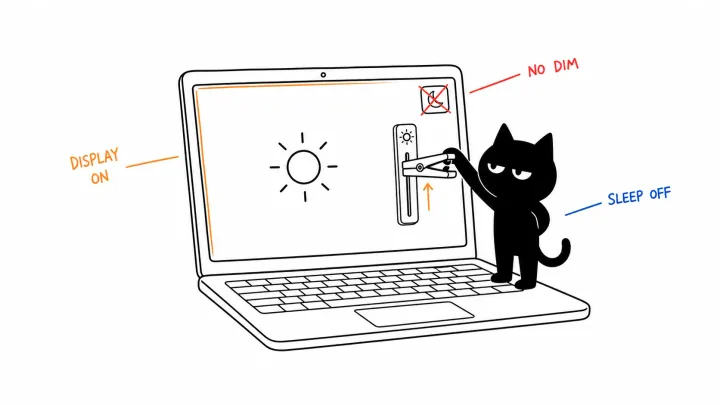
Keep Display On
Keep the screen lit for the current wake session. It follows the session and can be turned off independently at any time.
Features
Simple, focused, reliable.
Timed keep-awake
Prevent idle sleep for a set duration — a 2-hour countdown by default, adjustable in 30-minute steps. Or switch to unlimited mode with no natural end.
Keep Display On
Keep the display lit for the current wake session, and turn it off without ending the session.
Native menu bar app
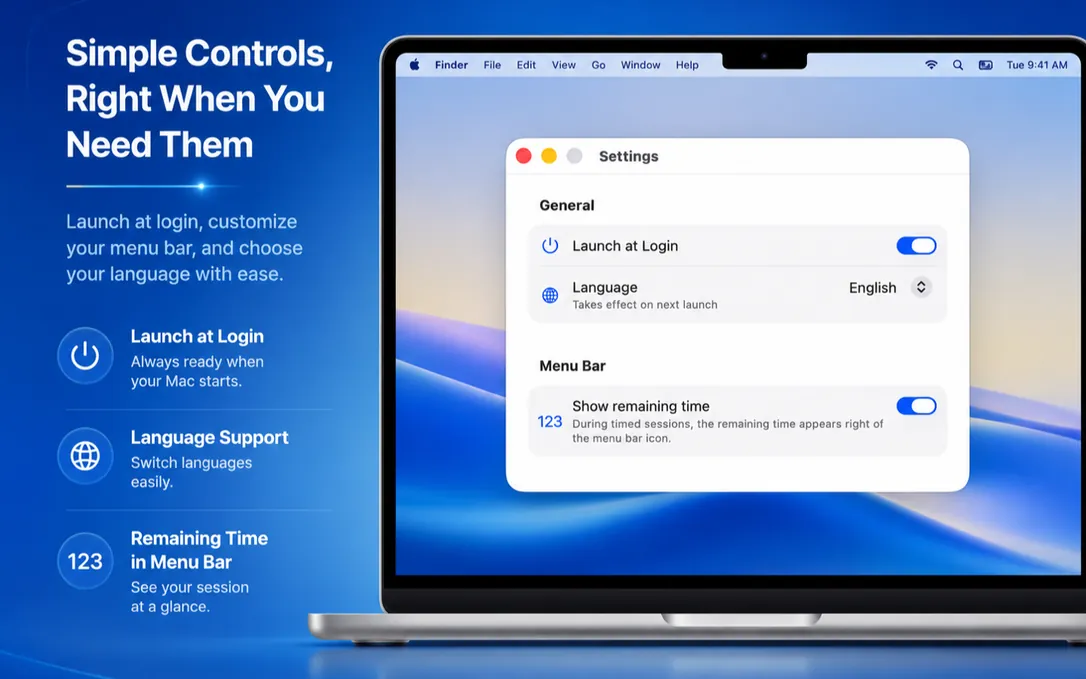
Lives entirely in the menu bar. No dock icon, no main window — just a single click to toggle. Built with SwiftUI and native macOS APIs.
Availability
Free on the Mac App Store.
No subscription, no trial, no catch.
Need your Mac to keep running with the lid closed? Explore NoNap Pro and its Closed-Lid Mode.
Questions? See the help docs