
Close the lid. It keeps running.
Prevent idle sleep and keep the display on for free, and keep downloads, renders, and long tasks running — even after you close the lid with Closed-Lid Mode.
- Free core features
- 14-day Closed-Lid trial
- One-time purchase
- 30-day money-back
macOS 14 (Sonoma) or later · Apple Silicon MacBook · v1.1.0
In detail
A closer look.
How it works
Three ways to keep your Mac running.
01
Prevent idle sleep
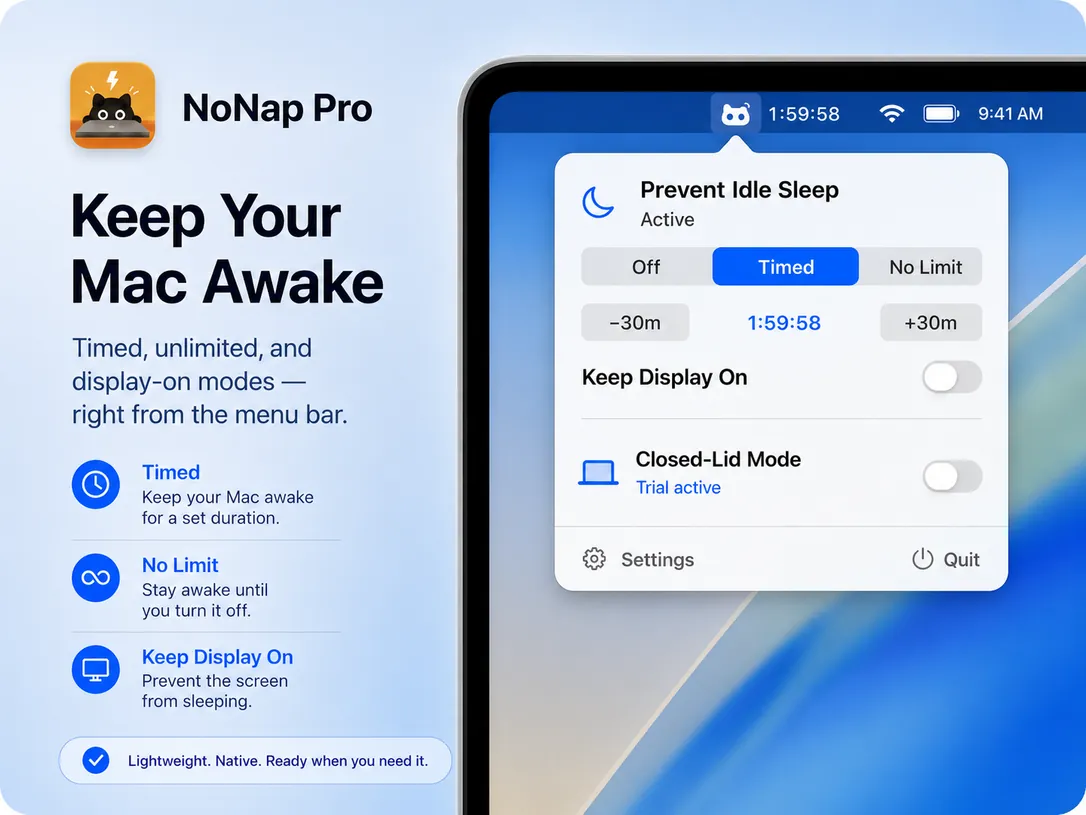
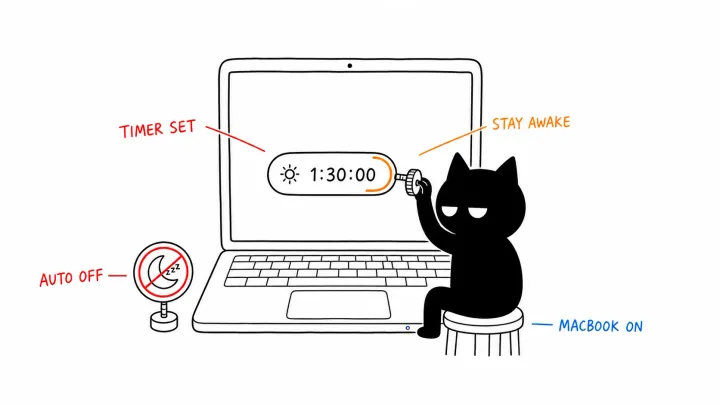
Choose Timed or No Limit. When a timer ends, your Mac returns to normal sleep behavior on its own.
02
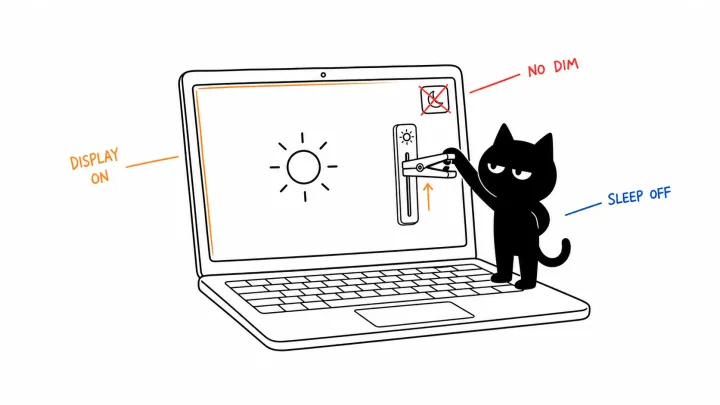
Keep Display On
Keep the screen lit for the current wake session. It follows the session and can be turned off independently at any time.
03
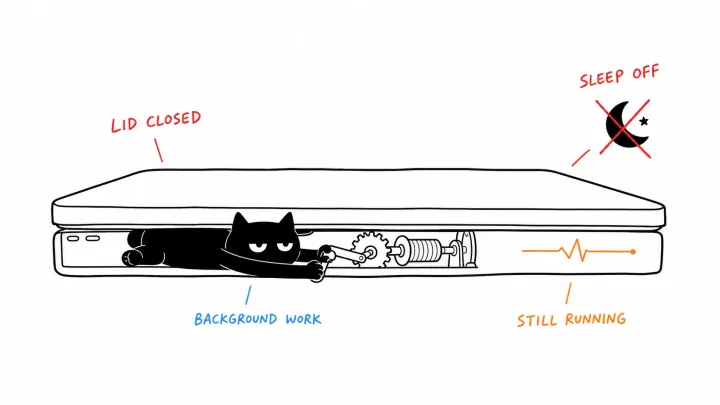
Closed-Lid Mode
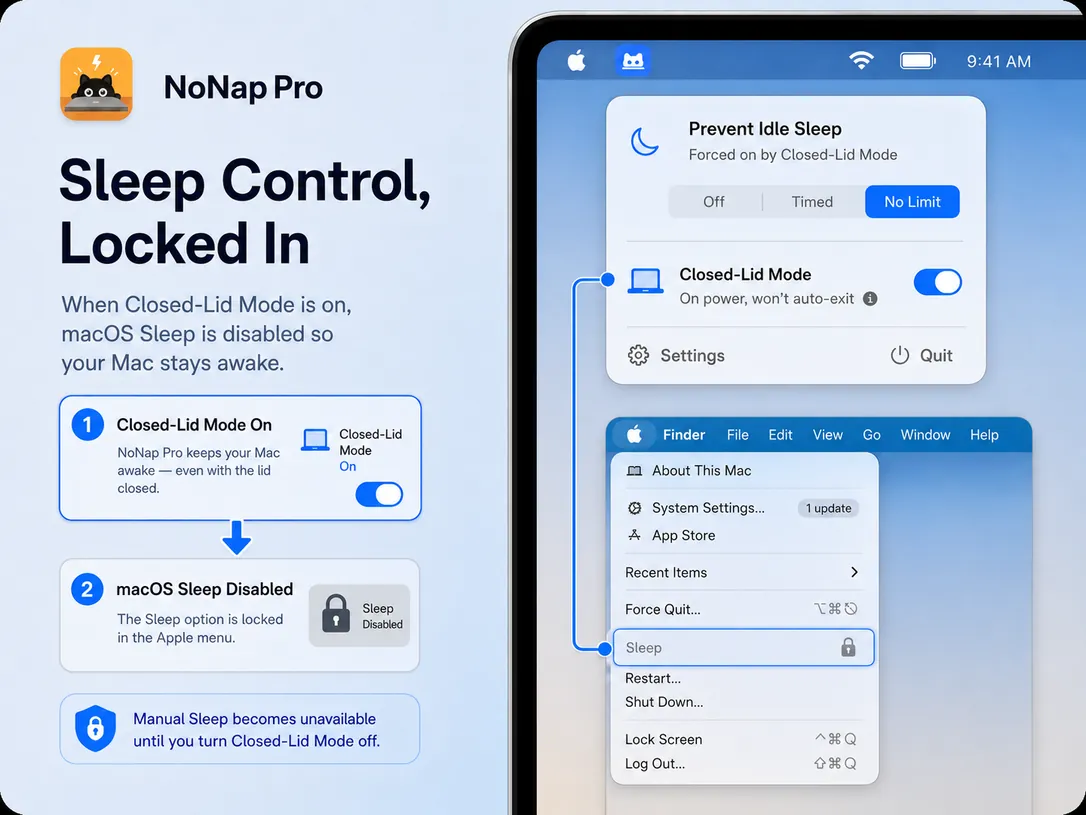
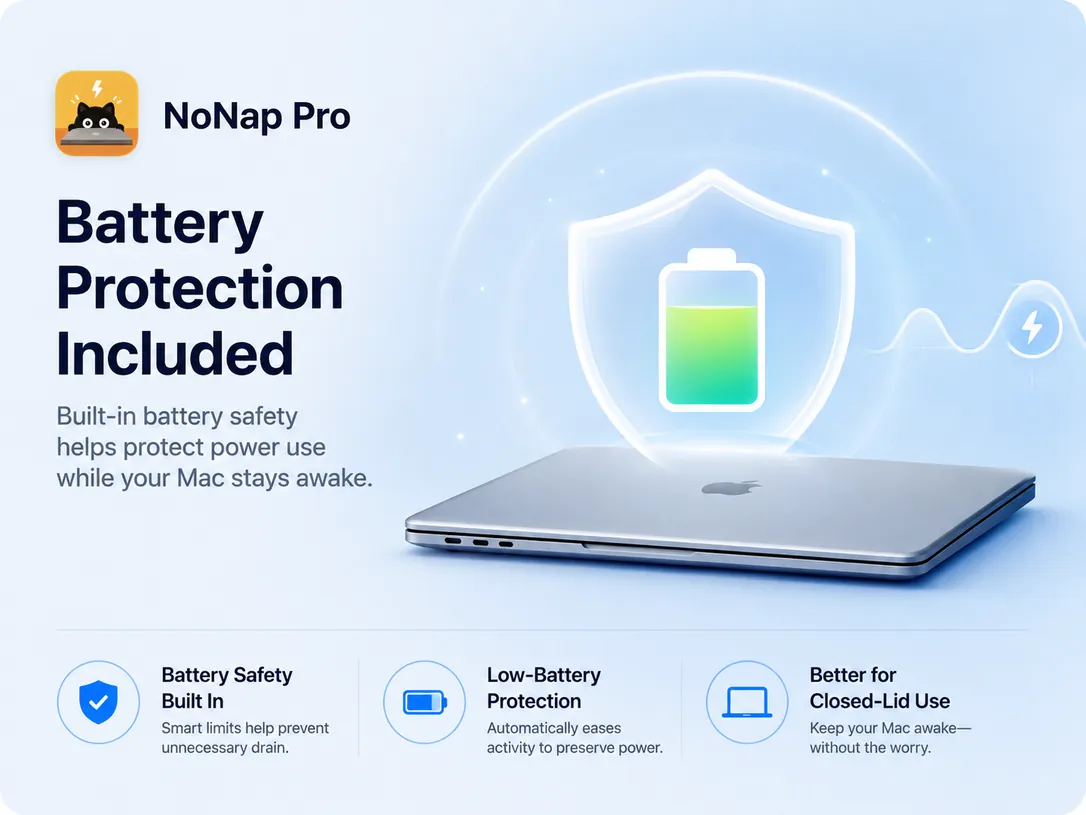
Keep tasks running after you close the lid, even on battery. Battery safety exits the mode automatically at your chosen threshold.
Features
Everything, in one menu bar app.
Prevent idle sleep
Choose a timed session or No Limit. When a timer ends, your Mac returns to normal sleep behavior on its own.
Keep Display On
Keep the screen lit for the current wake session and turn it off without ending the session. The preference is remembered across sessions.
Closed-Lid Mode
Keep tasks running after you close the lid — even on battery, with a battery-safety threshold you choose. Free to try; unlocks with a one-time license.
See the state at a glance
Mode badges and an optional countdown sit right beside the menu bar icon, so you always know what's active. Right-click for Settings and Help.
Scoped system authorization
Only Closed-Lid Mode needs one-time administrator authorization. You can turn it off and revoke access from Settings.
Battery safety built in
If the battery runs low while on the go, NoNap Pro steps aside and restores normal sleep. Plugged in, it never interrupts.
One-time license
Unlocks Closed-Lid Mode forever on this Mac — no subscription. During the launch the license is free — code LAUNCH100 is applied automatically at checkout.
No subscription · 30-day money-back guarantee
What you get
- Everything in the free core — idle-sleep and display controls, always free
- Closed-Lid Mode — keep running with the lid closed, even on battery
- 14-day free trial — included — start it only when you're ready
- One-time purchase — yours on this Mac, no sign-up
- 30-day money-back — full refund if it's not for you
Don't need Closed-Lid Mode? NoNap covers the essentials — and it's free too.
Questions? See the help docs